# What's new - Release Notes
## Release Update - March 2026
### **What we heard?**
* Users want to review **Autodesk Forma Submittals** in Bluebeam without downloading files manually.
* Reviewers want to **send files to Bluebeam for markups** and return them seamlessly back to Submittals.
* Forma Sheets users want to be able to select separate files to import into Forma Sheets at once
***
### **What we did**
* Added full **Autodesk Forma Submittals integration** inside the Be.**Smart** Connector.
* Enabled users to see **all Submittals assigned to them**, with permissions inherited from Autodesk credentials.
* Implemented the ability to **send Submittal reference files** to a Bluebeam Project or Session for markup.
* Added guided step logic so users see the **next actionable step**, while previous steps remain visible for context.
* Introduced a **“Submit to Review”** step when returning a marked‑up file back to ACC Submittals.
* Enabled Submittals to be **completed and closed** once all steps are finalized.
* Added the possibility to select multiple files to be imported to **Autodesk Forma Sheets.**
***
### **How it works**
1. **Open Autodesk Forma Submittals in the Connector**\
You’ll see all Submittals assigned to you, along with the reference file and the next available action.
2. **Send files to Bluebeam for markup**
Select the previous step’s file to be sent to Bluebeam. Open Bluebeam for adding markups.
3. **Return the reviewed file**
To return the file open your final step in the Submittal. Transfer the updated PDF back through the Connector.
4. **Complete and close the Submittal**
When all steps are done, the final reviewer sends the completed file to the final stage. The Submittal will then be closed and distributed.
Learn more on our help pages:
{% content-ref url="file-transfer/autodesk-submittals" %}
[autodesk-submittals](https://help.besmart.software/acc-bluebeam-connector/file-transfer/autodesk-submittals)
{% endcontent-ref %}
***
## Release Update - January 2026
### What we heard?
The ACC-Bluebeam Connector user base keeps growing — and every user is also an ACC user. Managing multiple logins can feel like a hassle, so we set out to make it easier.
### What we did?
* **ACC SSO**: You can now sign in using your Autodesk credentials with Single Sign-On.
### How it works?
When signing in, simply click the Autodesk logo to log in. Your existing Connector account will link to your Autodesk profile, so all your previous settings — like connections and favorite bookmarks — stay intact.
You can choose which login method you prefer at any time. Just remember: access always requires your company email.
## Release Update - December 2025
### What we heard?
The ACC–Bluebeam Connector has been well received! Users often work with the same ACC folders and Bluebeam Sessions repeatedly. The main reason for using the Connector is to save time, so reducing manual work remains our top priority.
### What we did?
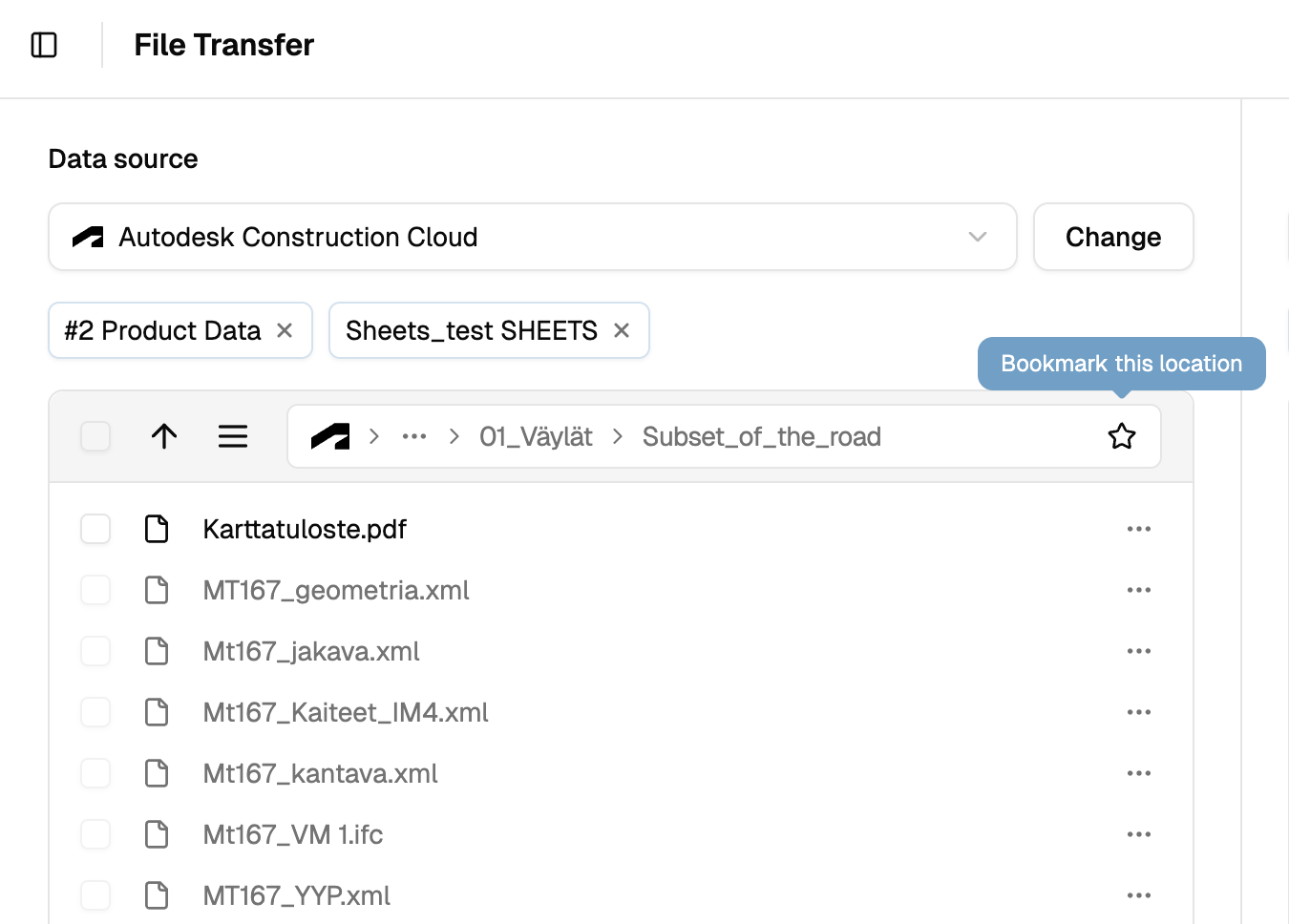
* **Favourite Bookmarks:** Added the ability to save frequently used folders and locations as bookmarks.
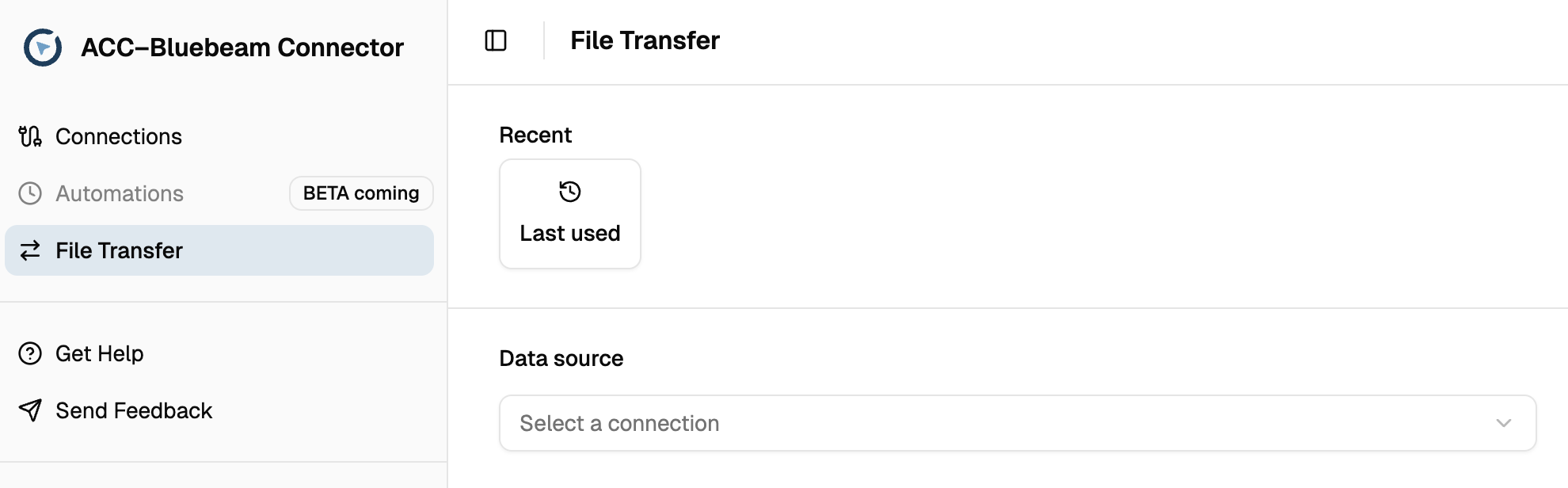
* **Recent Connections:** Introduced a **“Last Used”** button on the File Transfer page for quick access to recent connections.
* **Create New Project/Session:** Users can now create a new Bluebeam Studio Project or Session directly from the File Transfer page.
* **Management Page Relocation:** The **Management** page has been moved under **Connections** for easier navigation.
### How it works?
#### Favourite Bookmarks
Use the **star icon** to mark a location as a favourite bookmark.
Learn more: [favourite-bookmarks](https://help.besmart.software/acc-bluebeam-connector/file-transfer/favourite-bookmarks "mention")
#### Recent Connections
During a browser session, previous connections on the File Transfer page are remembered automatically. If not, the **“Last Used”** button will appear, opening the most recent connections.\
\&#xNAN;*Note: This is browser-specific and may not always appear.*
#### Create new Project or Session within File Transfer
From the File Transfer dropdown, type a name in **“Create New Project/Session”** and press **Enter**. To manage users and settings, go to **Management** under **Connections**.
*This button can be disabled per organization upon request. Contact for assistance.*
Learn more: [management](https://help.besmart.software/acc-bluebeam-connector/connections-and-management/management "mention")
#### Management page
The **Management** page is now located under **Connections**. Sign in to Bluebeam to access the **Management** button.\
\&#xNAN;*This button can be disabled per organization upon request. Contact for assistance.*
Learn more: [management](https://help.besmart.software/acc-bluebeam-connector/connections-and-management/management "mention")