> For the complete documentation index, see [llms.txt](https://help.besmart.software/be.smart-site-management/llms.txt). Markdown versions of documentation pages are available by appending `.md` to page URLs; this page is available as [Markdown](https://help.besmart.software/be.smart-site-management/site-management/presets/open-a-preset.md).
# Open a preset
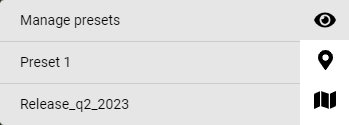
Opening a preset is done by accessing the preset menu and select the wanted preset from the list.
Preset menu
To see when the preset was created and by who, choose **Manage presets.**
Manage presets -menu
Manage presets -menu only contains the presets user has an access to.