> For the complete documentation index, see [llms.txt](https://help.besmart.software/older-26.0.0/llms.txt). Markdown versions of documentation pages are available by appending `.md` to page URLs; this page is available as [Markdown](https://help.besmart.software/older-26.0.0/commands-overview/helpdesk/system-info.md).
# System info
## Command Description
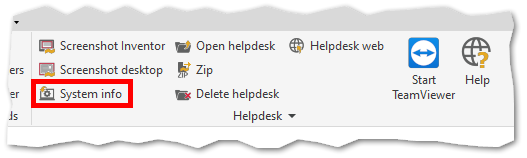
This command saves a summary of system information to the helpdesk folder `C:\Users\--USER--\AppData\Local\Temp\Holixa\T4I\Helpdesk`. The information can be used during solving problems with T4I if such occurs.
A notification pop-ups after the command is successfully executed.
## Command Location
* All environments