> For the complete documentation index, see [llms.txt](https://help.besmart.software/older-26.0.0/llms.txt). Markdown versions of documentation pages are available by appending `.md` to page URLs; this page is available as [Markdown](https://help.besmart.software/older-26.0.0/commands-overview/holixa-t4i/advanced-settings.md).
# Advanced settings
## Command Description
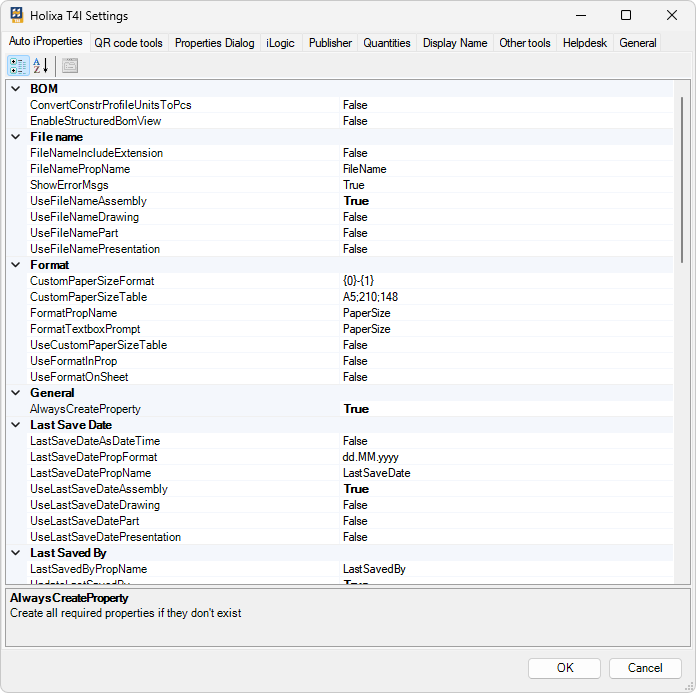
The advanced settings window is an alternative method of adjusting different T4I command settings. Most options in the window are 'reflected' in the [basic settings](/older-26.0.0/commands-overview/holixa-t4i/edit-settings.md) window.
Holixa T4I advanced settings window
{% hint style="info" %}
For most users, it is recommended to use the [basic settings](/older-26.0.0/commands-overview/holixa-t4i/edit-settings.md) window.
{% endhint %}
## Command Location
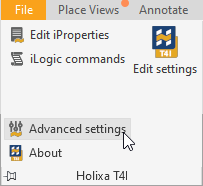
* All environments