> For the complete documentation index, see [llms.txt](https://help.besmart.software/older-26.0.0/llms.txt). Markdown versions of documentation pages are available by appending `.md` to page URLs; this page is available as [Markdown](https://help.besmart.software/older-26.0.0/commands-overview/holixa-t4i/edit-settings/auto-iproperties.md).
# Auto iProperties
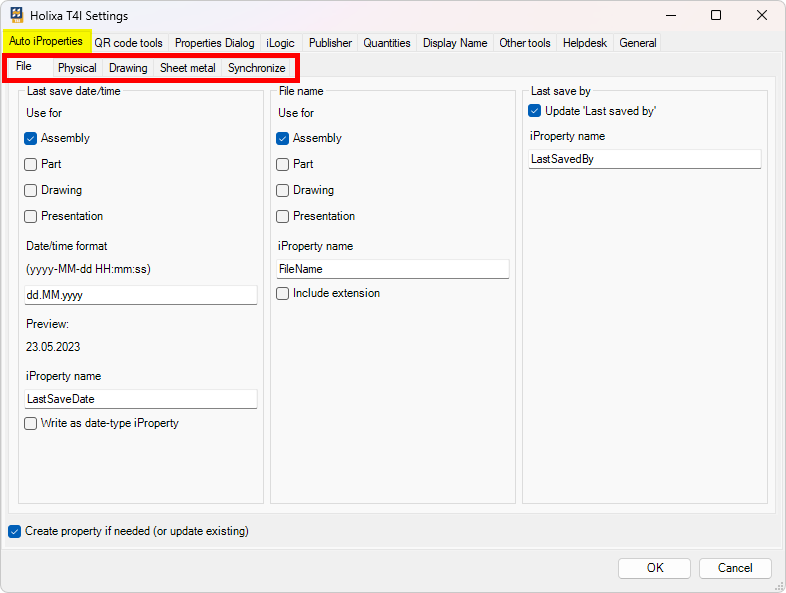
Auto iProperties contains functionality for background automation of iProperties creation, filling, updating, and synchronization between model and drawing files.
iProperties can be automatically added to a file
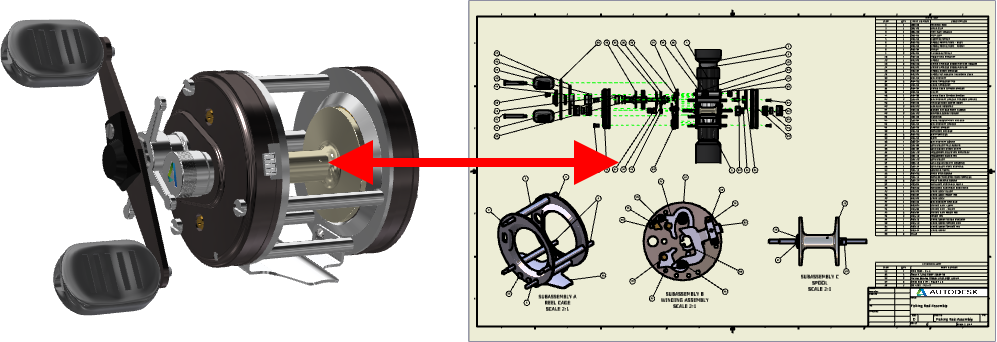
iProperties can be automatically synced between model and drawing
Once properly set up, no user interaction is needed and all changes to the values of iProperties are automatically performed as they are introduced to the Inventor files during the design and documentation process.